
Baseball and softball
Walk-up songs from your iPhone.
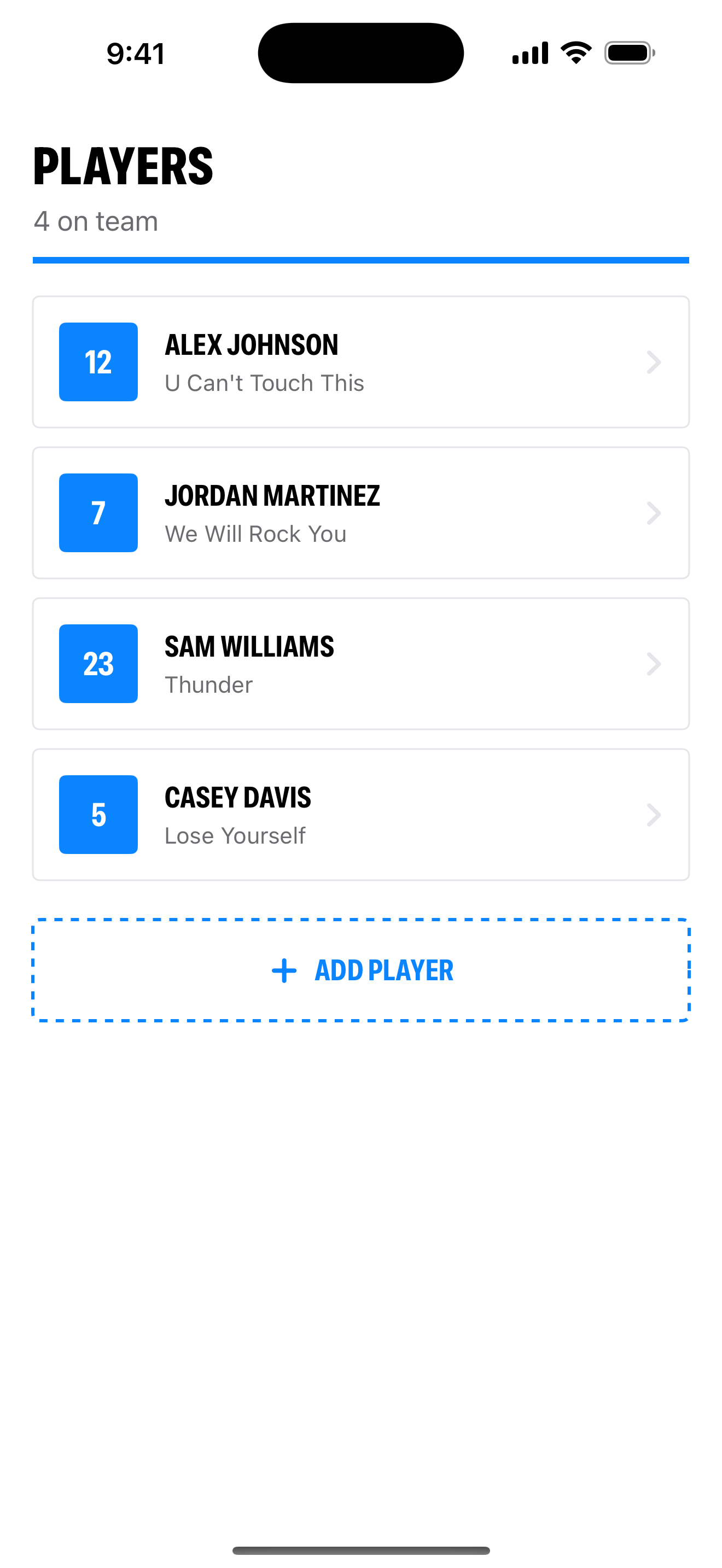
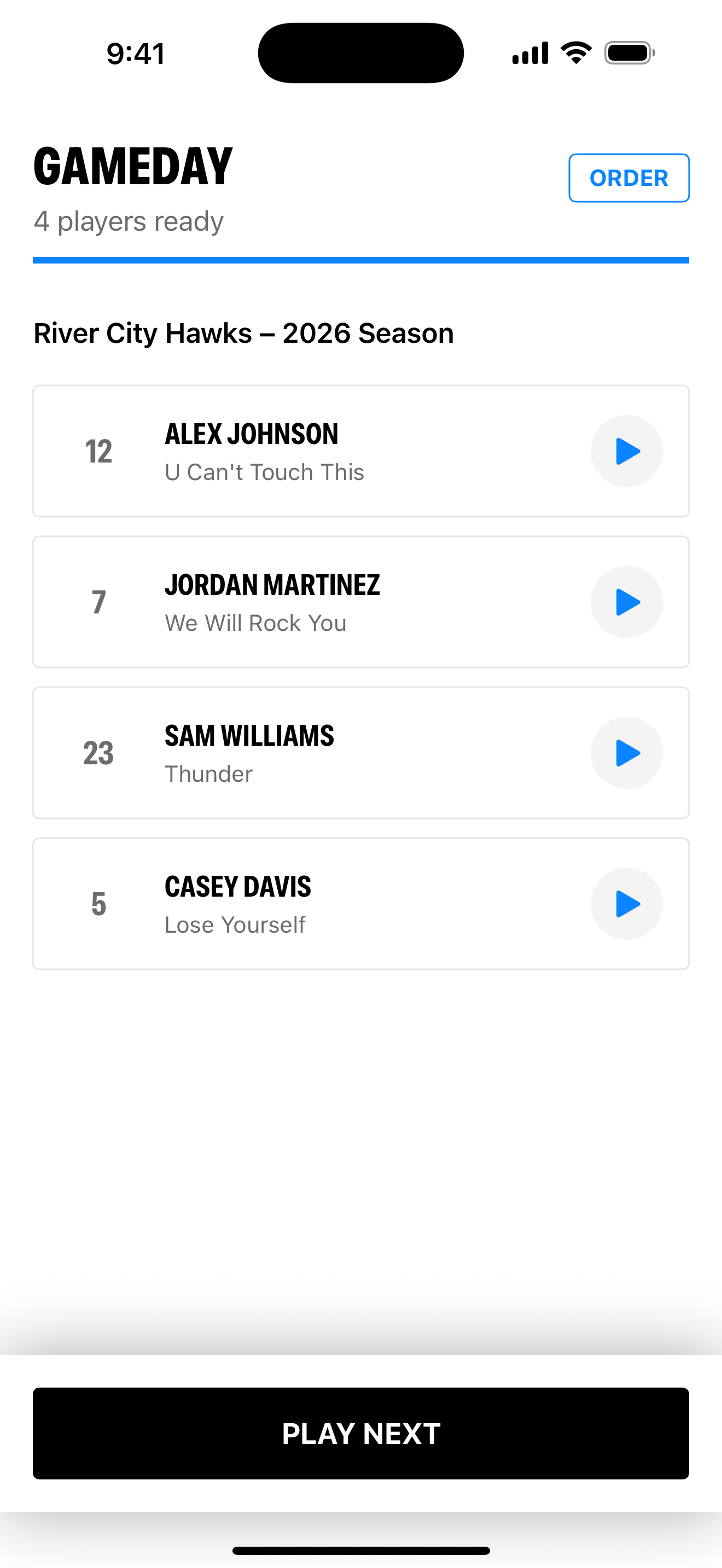
Set each player's song clip. Tap their name when they're up.
Start with four players free.
You'll need an active Apple Music subscription and an internet connection. Songs aren't included.
Set it up before the game
- Add your players. Put the lineup in batting order.
- Choose each song. Set where the clip starts and how long it plays.
- Test your speaker. Check the connection and volume before the first pitch.
Before you download
Does it work with Spotify?
Stadium Music uses Apple Music. You’ll need an active Apple Music subscription.
What’s free?
One team with four players, including song selection, clip editing, and game-day playback. Add unlimited players for $0.99, paid once. Your Apple Music subscription is separate.
Can our team play music at the field?
Check with your league or tournament before game day. Ask when music may play and who controls the speaker.
Read the walk-up song setup guide
Know someone handling the team's music?
Send them the app to try.