Parent guide
How to choose a claw machine game for kids
Look past the toy collection. Check how the game handles ads, retries, purchases, privacy, and prizes before handing over the device.
1
Try a complete free round
A child should be able to move the claw, make a grab, and collect a pretend toy before a grownup pays. A complete free machine tells you more than a short demo or a menu full of locked choices.
2
Check what happens after a miss
Look for a clear try-again button without ads, coins, lives, or a paid retry. Also check for timers or streaks if your child prefers play without pressure.
3
Understand the purchase first
Find out whether the game uses a subscription, repeat purchases, or one permanent unlock. Purchase and restore controls should be easy for a grownup to find and separate from the child play area.
4
Read the privacy details
Check whether the app needs a child account, chat, analytics, or behavioral tracking. If progress stays on the device, remember that it may not move automatically to another device.
5
Confirm what the prizes mean
Some apps control real machines or ship real prizes. Others are pretend toy games. Read the listing so your child knows whether a catch fills an on-screen shelf or starts a real-world reward process.
Tiny Claw
Try Plush Picnic free
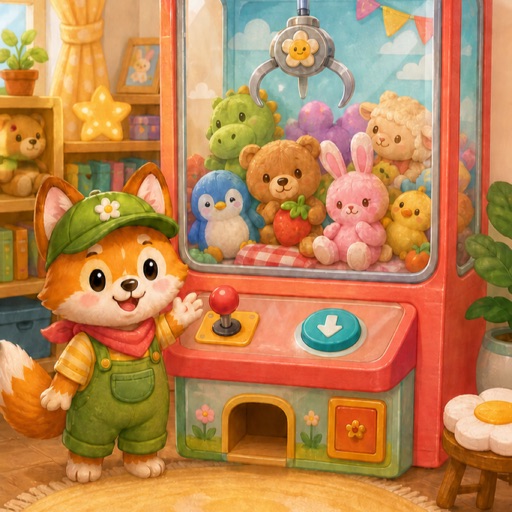
Tiny Claw is a pretend claw arcade with no third-party ads, coins, lives, paid retries, child account, or chat. A grownup can add nine more machines for $4.99 once.